The Claude skills hack that halved our newsletter writing time
I built a Claude skill that produces a near publishable draft of our newsletter in seconds.
But it took a few attempts to get right. It wasn't until I built skills for each section of the newsletter separately that I consistently got good results.
With editing, the newsletter writing process now takes half the time it took before. I'm free to focus on creating articles and pages packed with new ideas, rather than repurposing content we've already produced. Plus, newsletter engagement is still super strong, both open rates and clicks have stayed consistent.
It works because the newsletter is the perfect format for AI
-
It's built from articles that we've already published, so there is plenty of context for the tool to use
-
It's short-form copy, which is what AI excels at writing
-
It follows a similar structure every week, with slight differences depending on the exact content we need to share
Despite this, previous attempts to use AI were wildly inconsistent
What worked one week wouldn't work the next. One part of the email would read well, while another would require starting from scratch. I'd spend almost as long editing as writing.
Here's what eventually worked
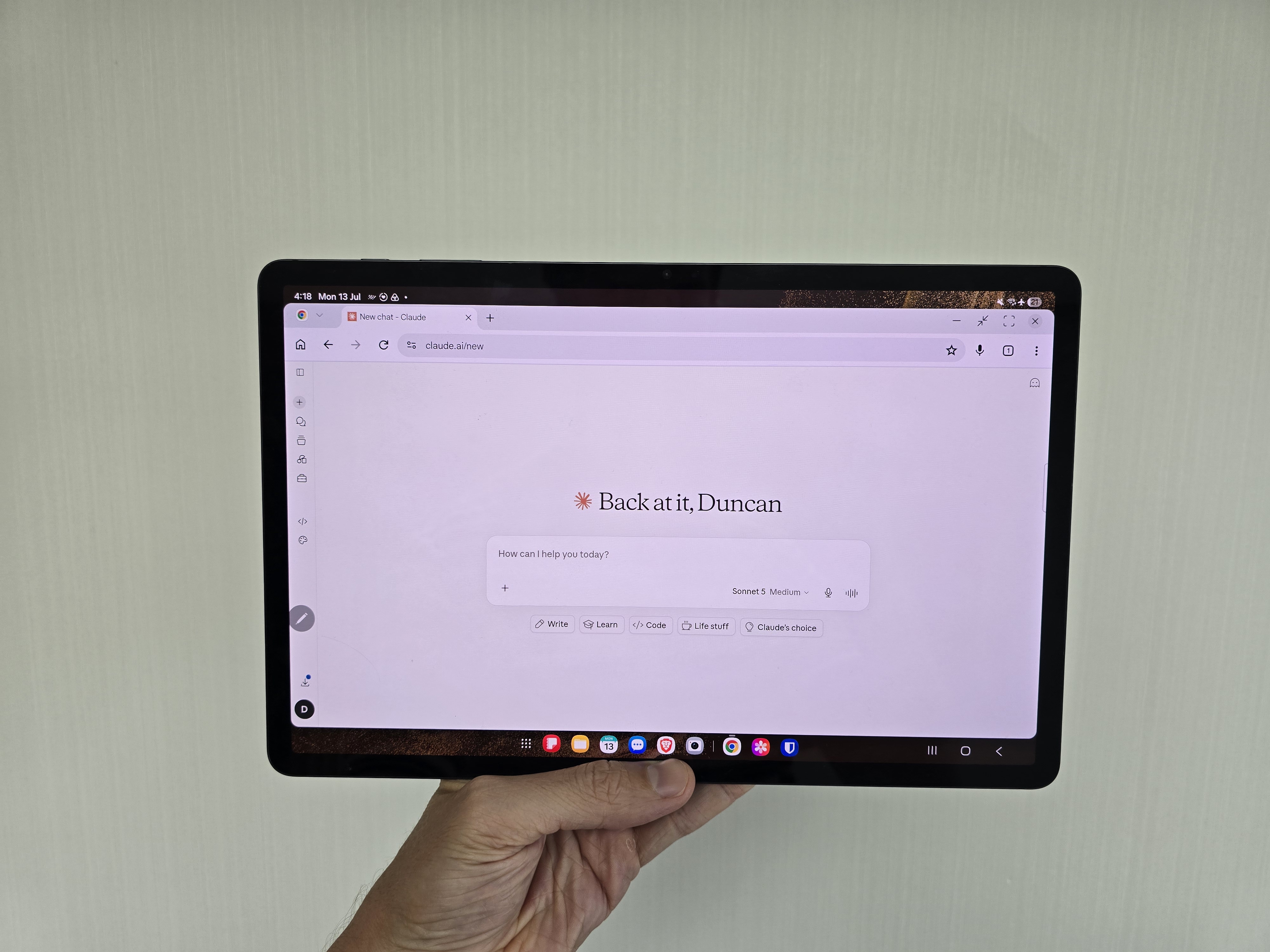
Instead of building one big skill or prompt to handle everything, I built a separate Claude skill for each section: one for the main feature, one for the webinar and one for the secondary story.
I tested each skill on multiple articles and refined it with suggestions from each test.
Each skill includes clear instructions for format, voice and, just as importantly, what not to include. I also ask for multiple versions so I can pick and choose the best bits where necessary.
Once each individual skill was ready, I combined them into a single skill that I can call on at any time. I just have to provide the articles and links I want to add.
We've used this skill on every newsletter for the past two months, and the drafts need only a minimal amount of editing.